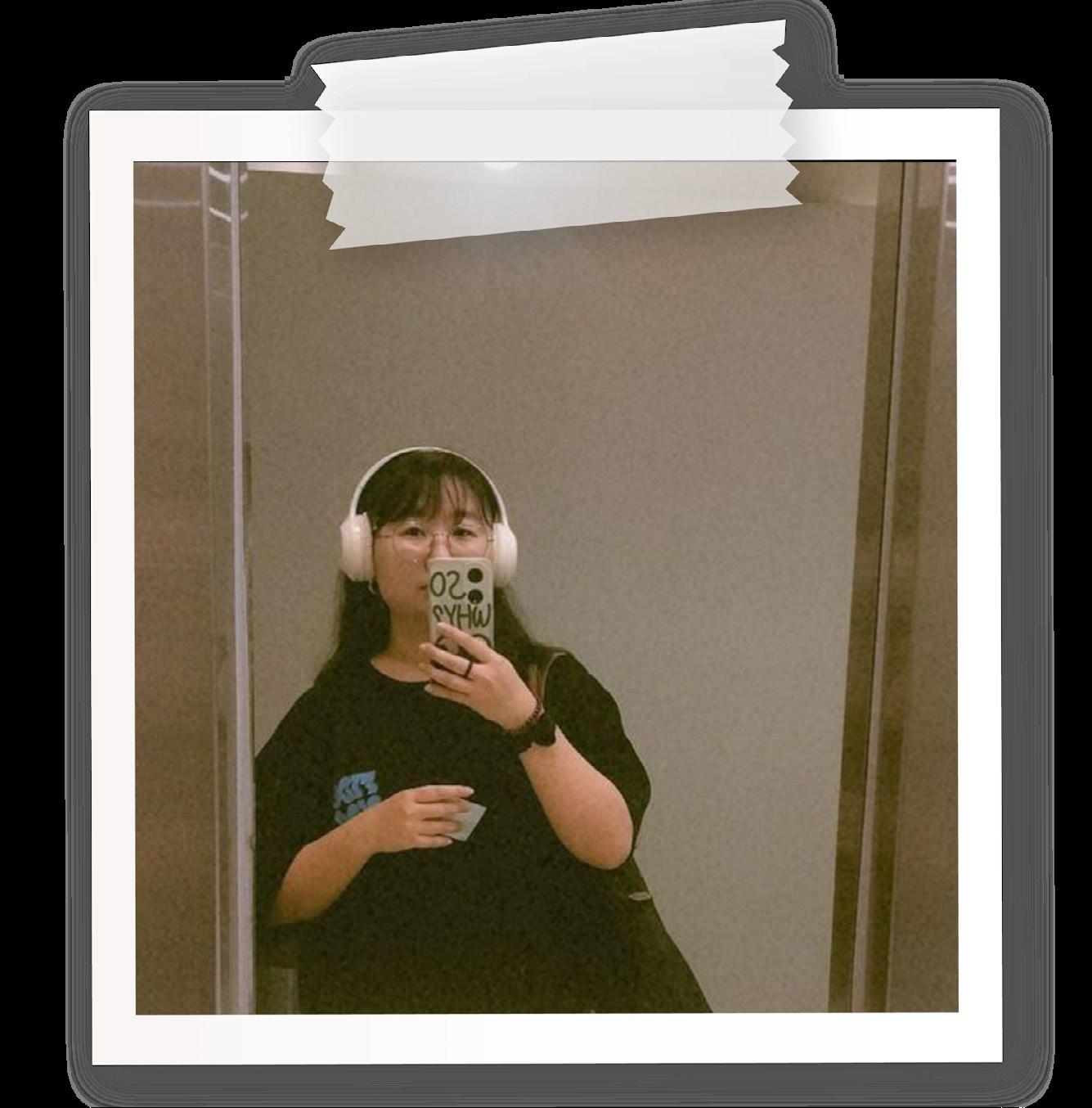
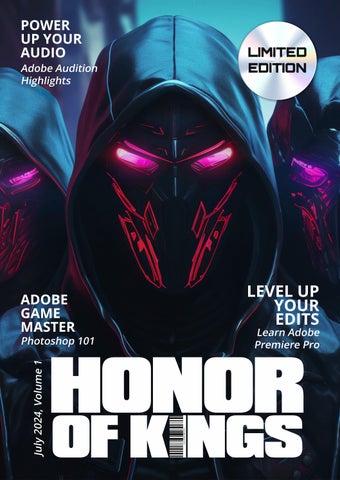
Hi, I’m Alicia, a full-time social media manager and freelance marketer. This edition of my magazine is themed around the exhilarating world of gaming, specifically inspired by the game “Honor of Kings.”
Inside, you’ll find my Photoshop gamer photobash edit, where I transform myself into a game character. Additionally, I’ll share insights into short film production and editing using Adobe Premiere Pro and Audition. Finally, I’ll discuss the ethical use of references in creative projects. Dive in and join me on this creative journey through the realms of gaming and design.

Audio
Interview edit on Premiere Pro
Produce your own short film using Premiere Pro
Learn the basic of photoshop by editing 4 images 4
5

Learn the basic of photoshop by editing 4 images
Transforming into a game character in Photoshop
7
ETHICALLY RIGHT OR WRONG?
Write up on ethical use of imagery
6
Creating a Photobash in Photoshop
8
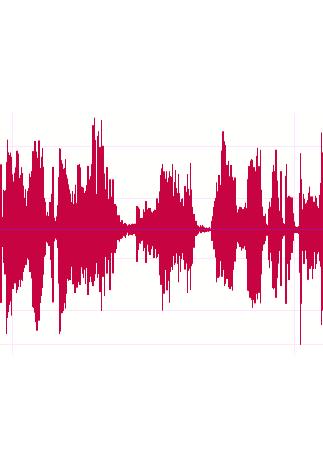
Click play to listen
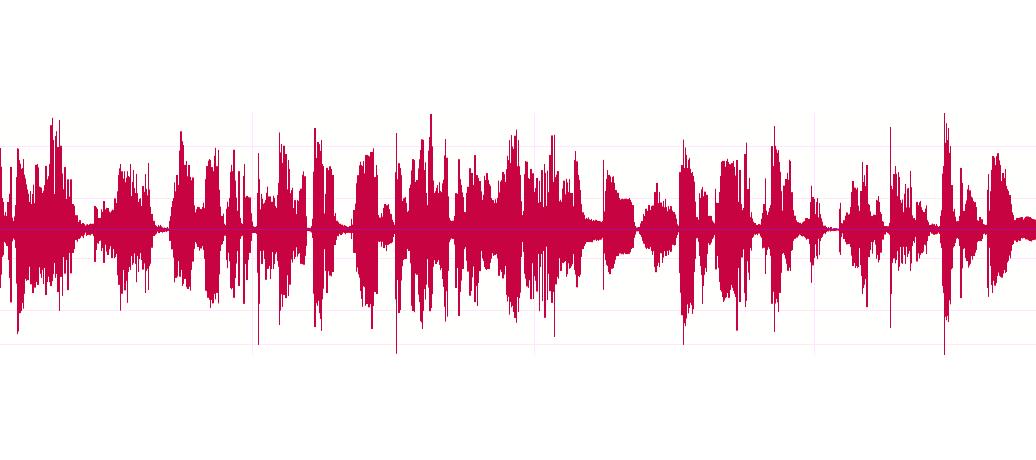
For this project, we delved into audio editing using Adobe Audition, learning how to capture and refine sounds. I recorded an interview with my classmate James and transformed it into a polished radio interview.
Additionally, I voiced a radio jingle at the beginning and created a 10-second advertisement interlude to enhance the production.
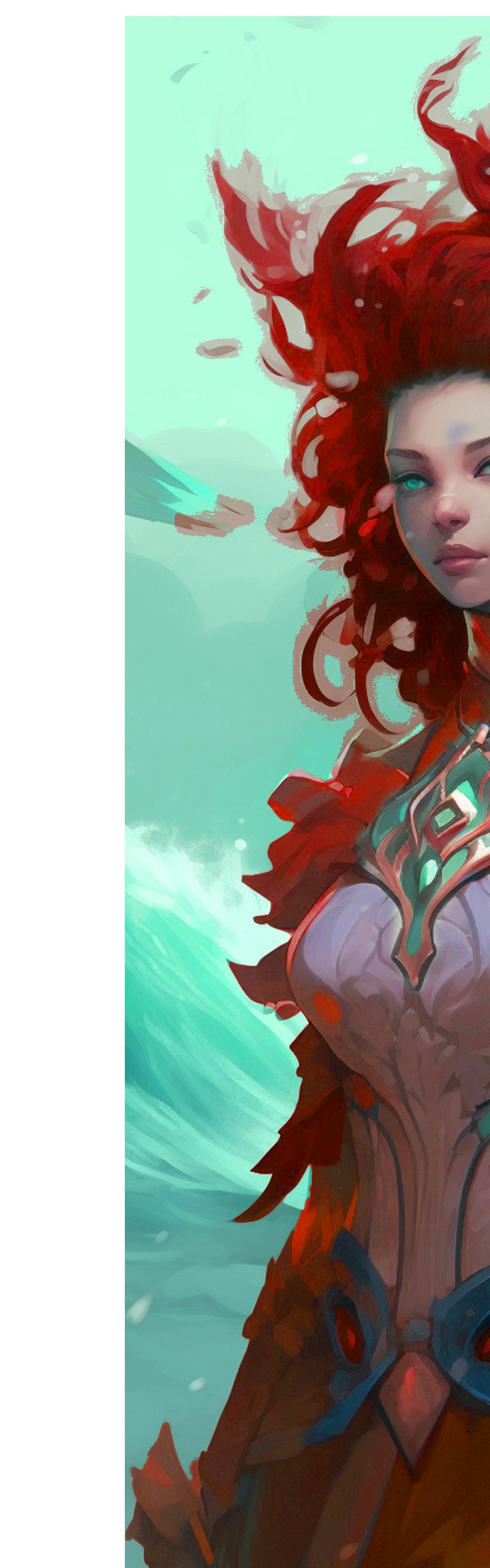
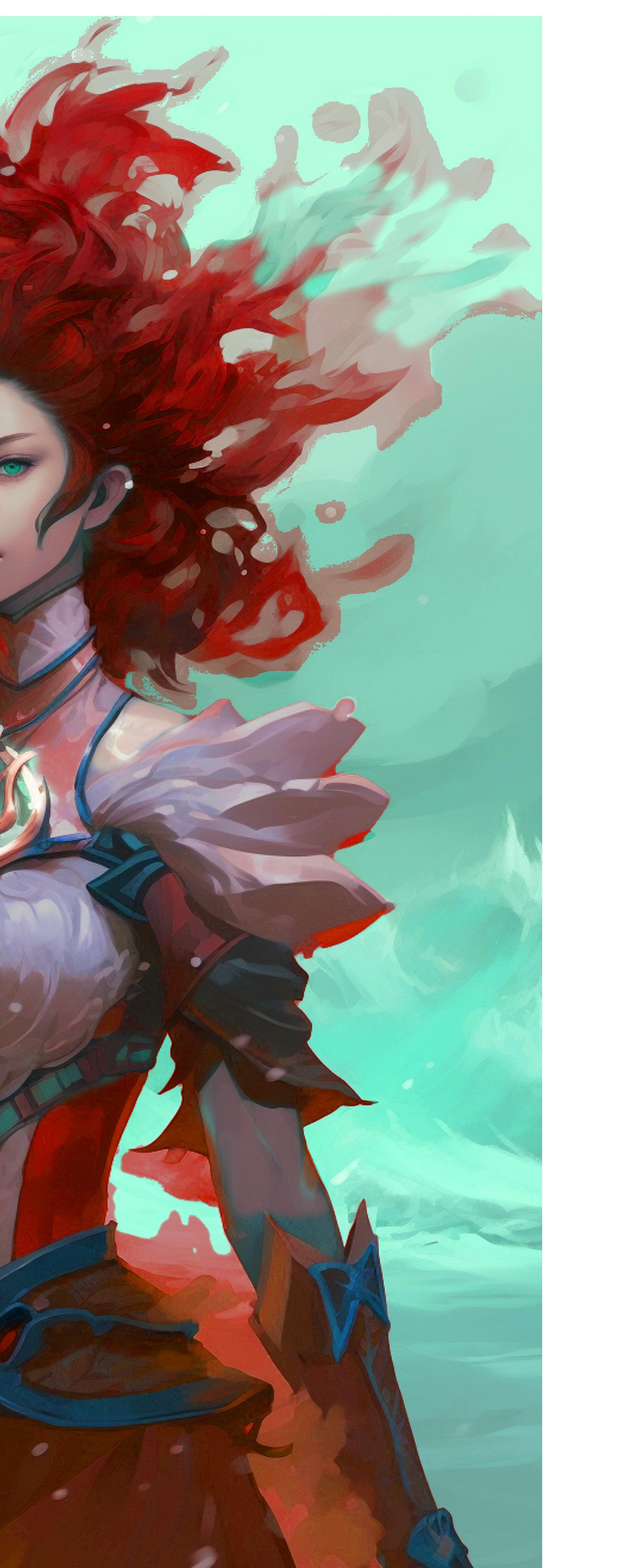
Click play to listen

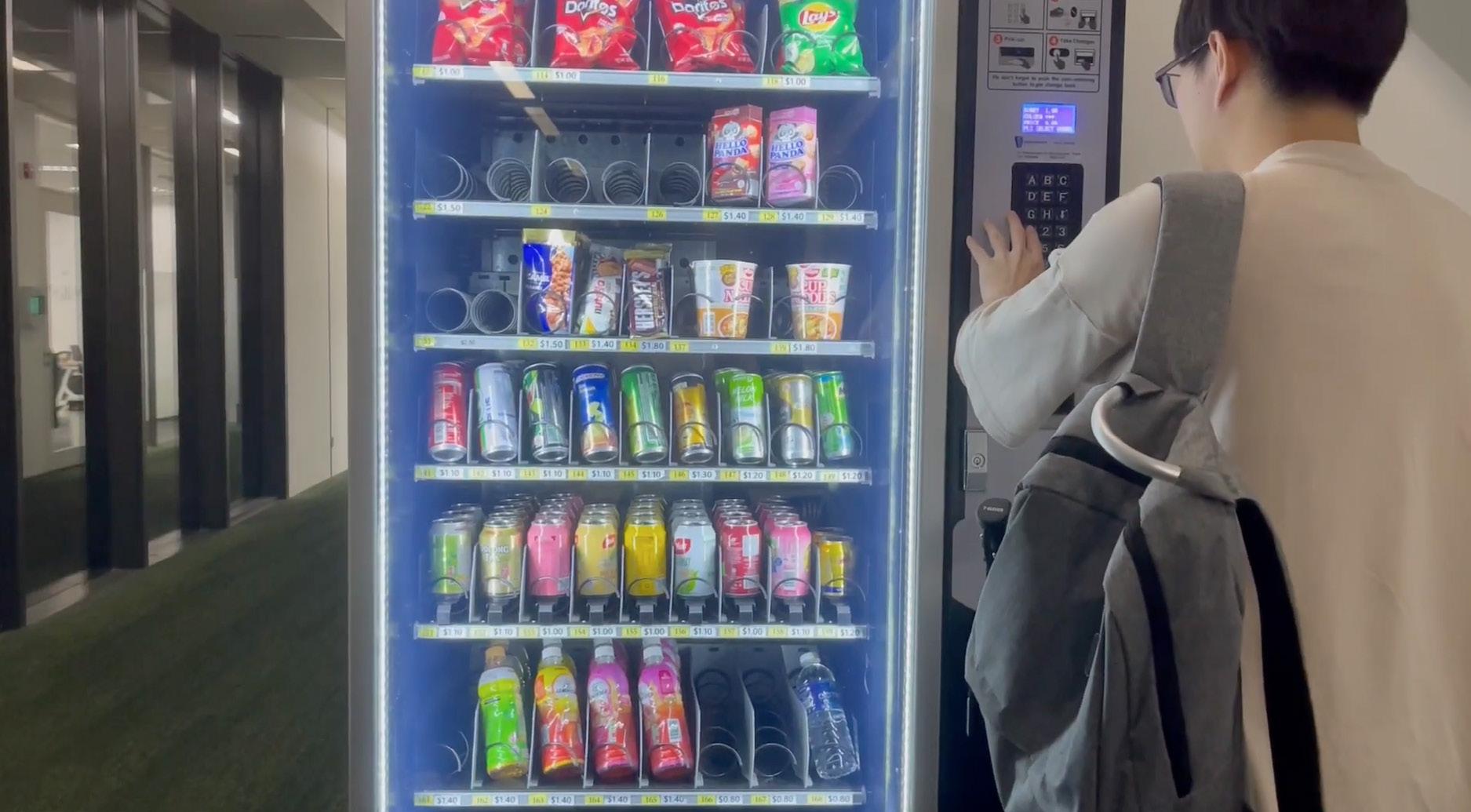
In this exercise, we were tasked with filming during class and editing a 30-second video about a student’s life at Kaplan using Premiere Pro.
As it was our first time shooting and editing, the experience was both educational and enjoyable.
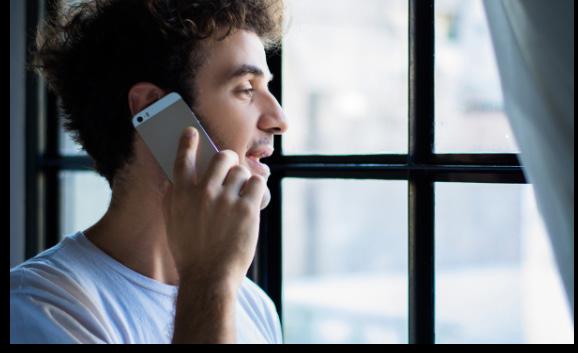
Phone dialogue “A friend of mine, Ted, said you’re the best. He said you could handle... delicate matters.”
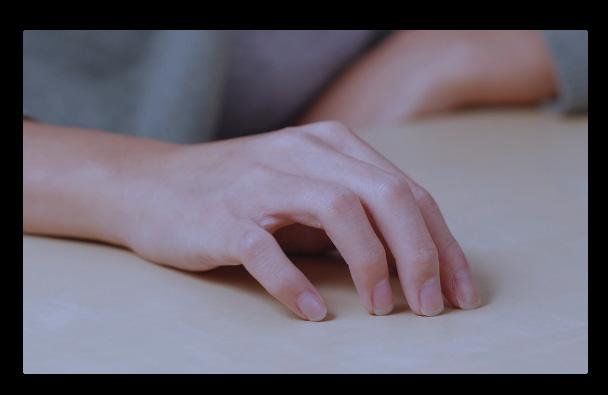
Close up shot- Hand tapping “Well it depends on what kind of matters you need” ( jump cut)
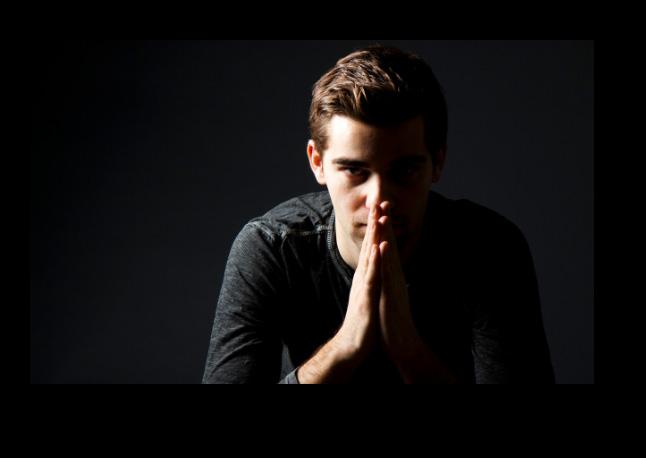
Midshot- “I need a problem to disappear. Quietly and permanently. Ted assured me you’re good at what you do.
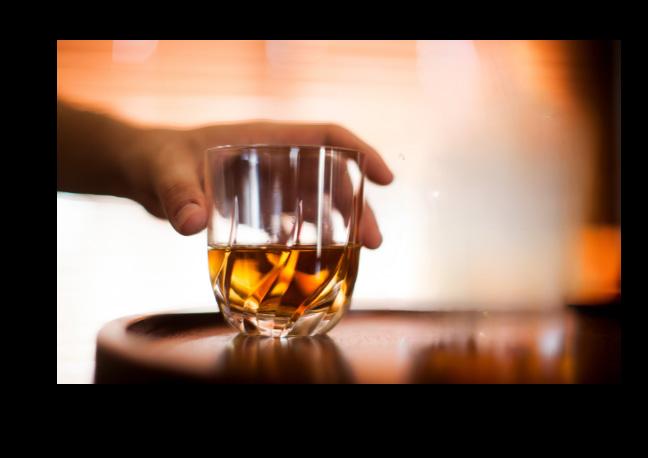
Hands Playing with whiskey glass to create suspensedraws a big x (Lcut- previous audio show before my clip)
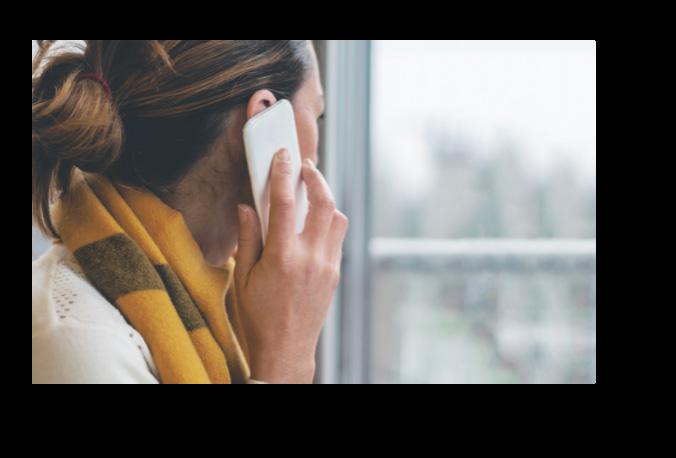
Over the shoulder shot- “ Send me the payment and I’ll get the work done neatly.”


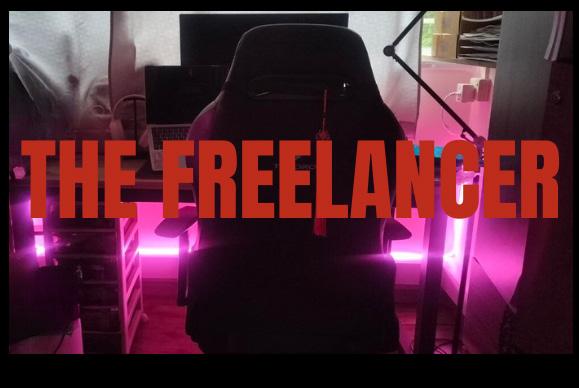
“The Freelancer”
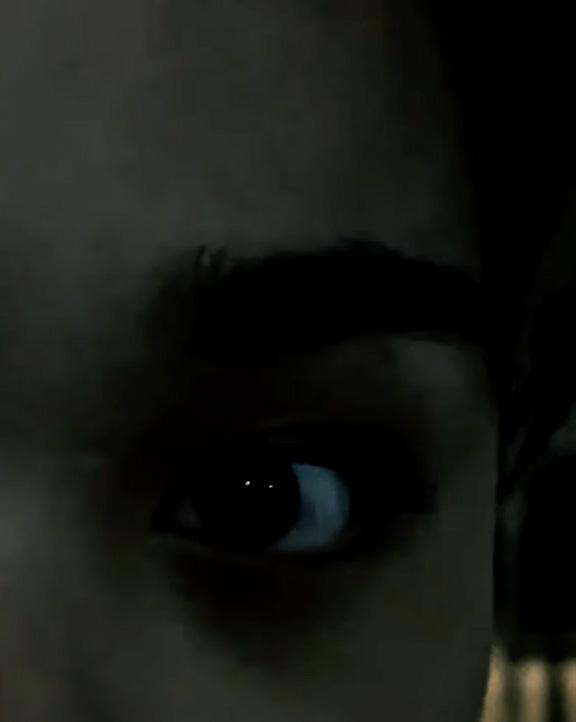
is a short film that blends thriller elements with a comedic twist. Inspired by my daily experiences as a freelancer, the narrative revolves around the tension of “getting a delicate job done,” only to reveal in the end that the transaction is far less illegal than it initially appears. The tension is broken with a humorous conversation where the male protagonist repeatedly calls me Alice by mistake—a nod to the common mix-up clients make with my name, Alicia, adding a light-hearted touch to the story.
The scenes were shot over several days, primarily in the dark. However, some scenes featuring the female cast were shot in bright daylight, requiring additional tone correction to ensure consistency. I also masked and blurred some background elements to keep the focus on the actress, blending all tones to create a seamless visual frame.
Click here to watch the film!

In this exercise we are required to shoot and edit the following 4 images in Photoshop as our very first exercise!
4 images should be:
- LANDSCAPE [OF NATURE]
- PORTRAIT [OF A PERSON]
- CLOSE-UP
- ACTION shot
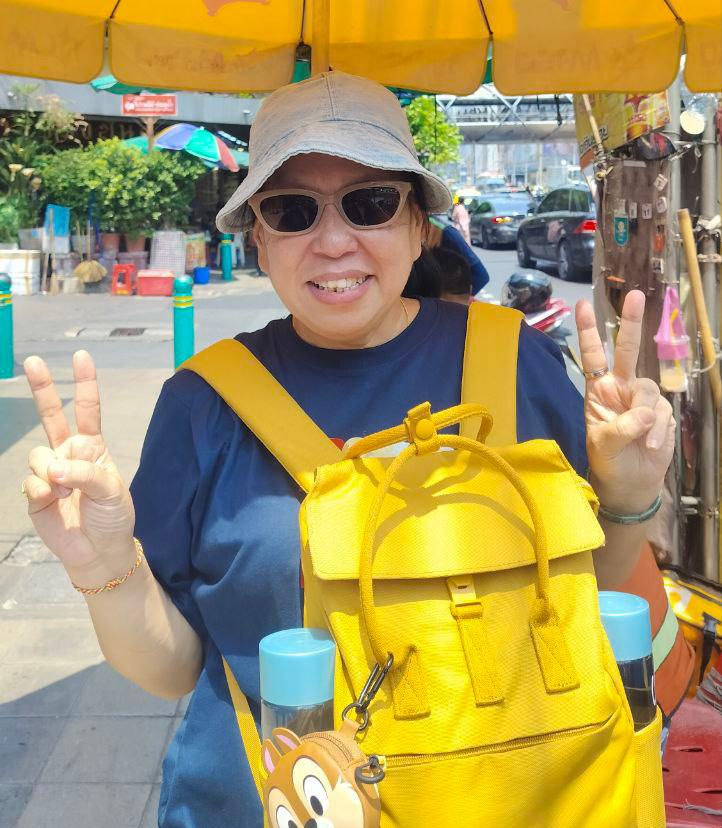
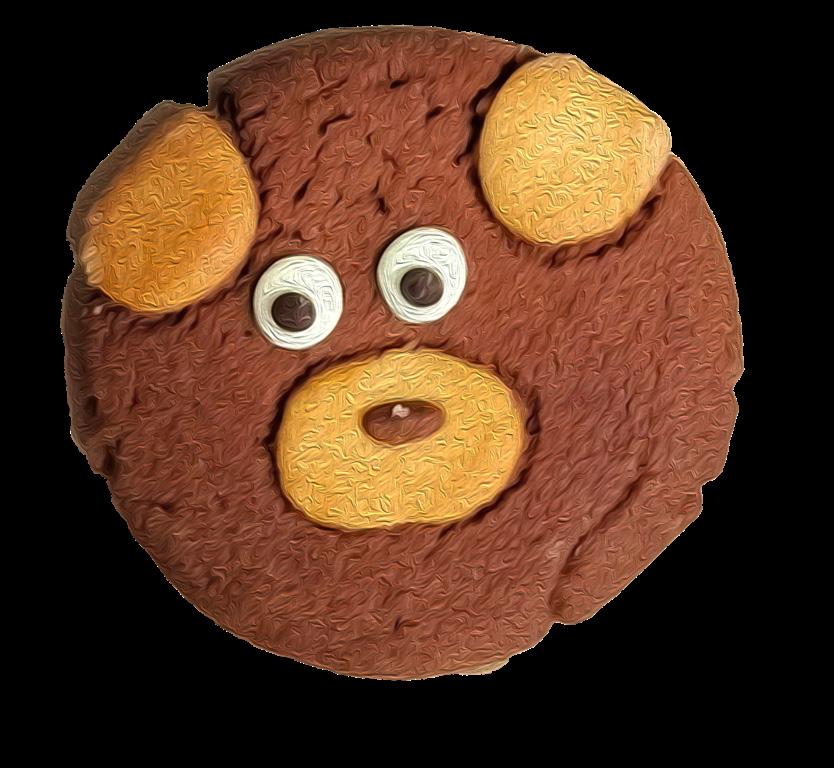
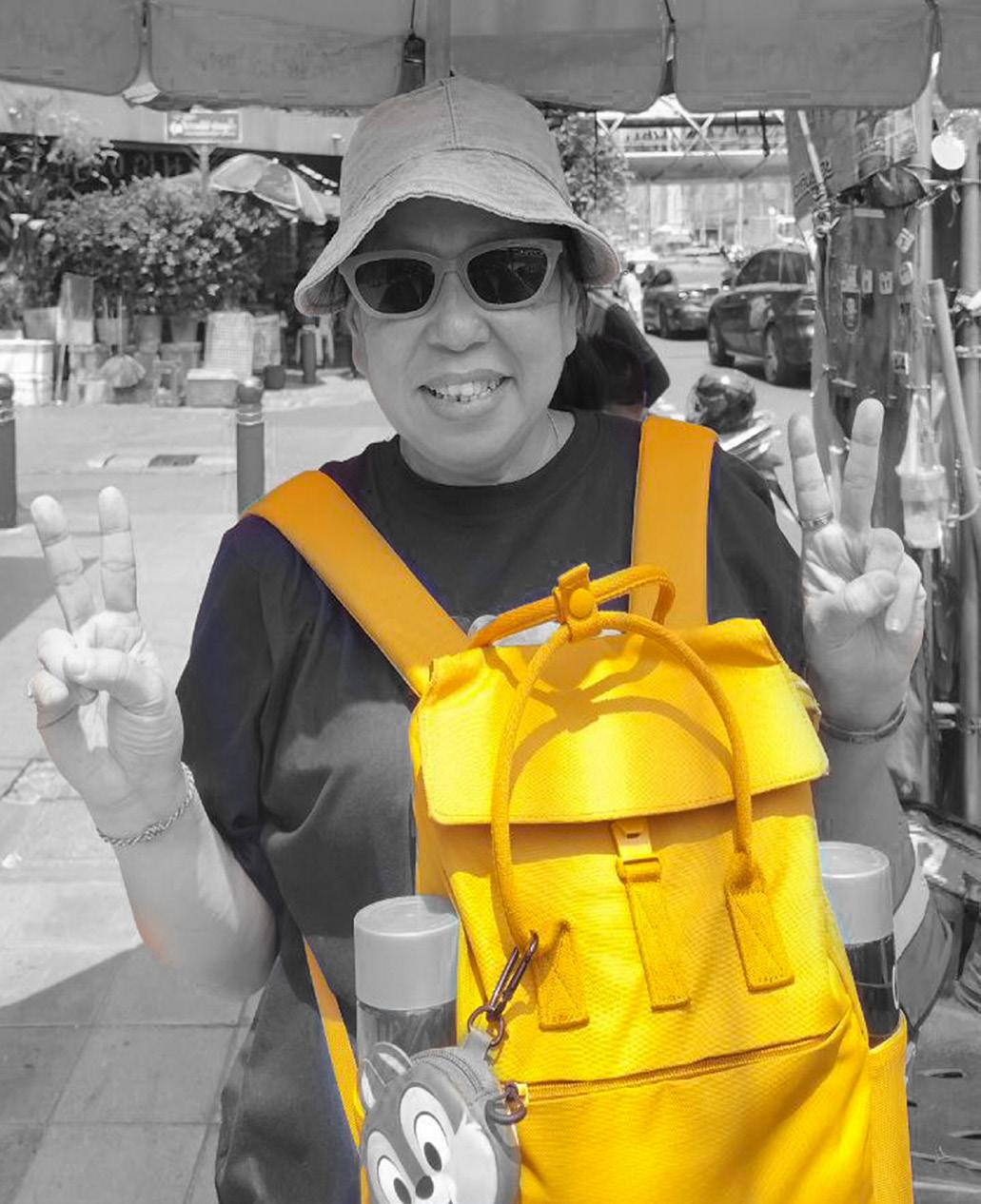
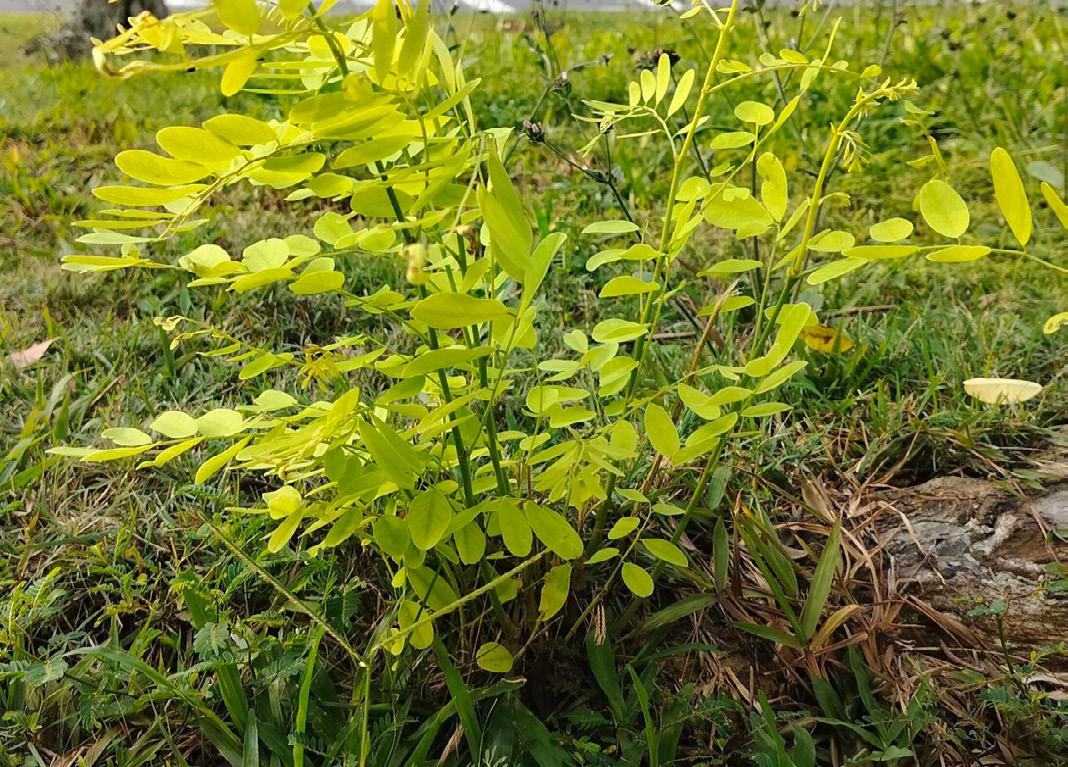
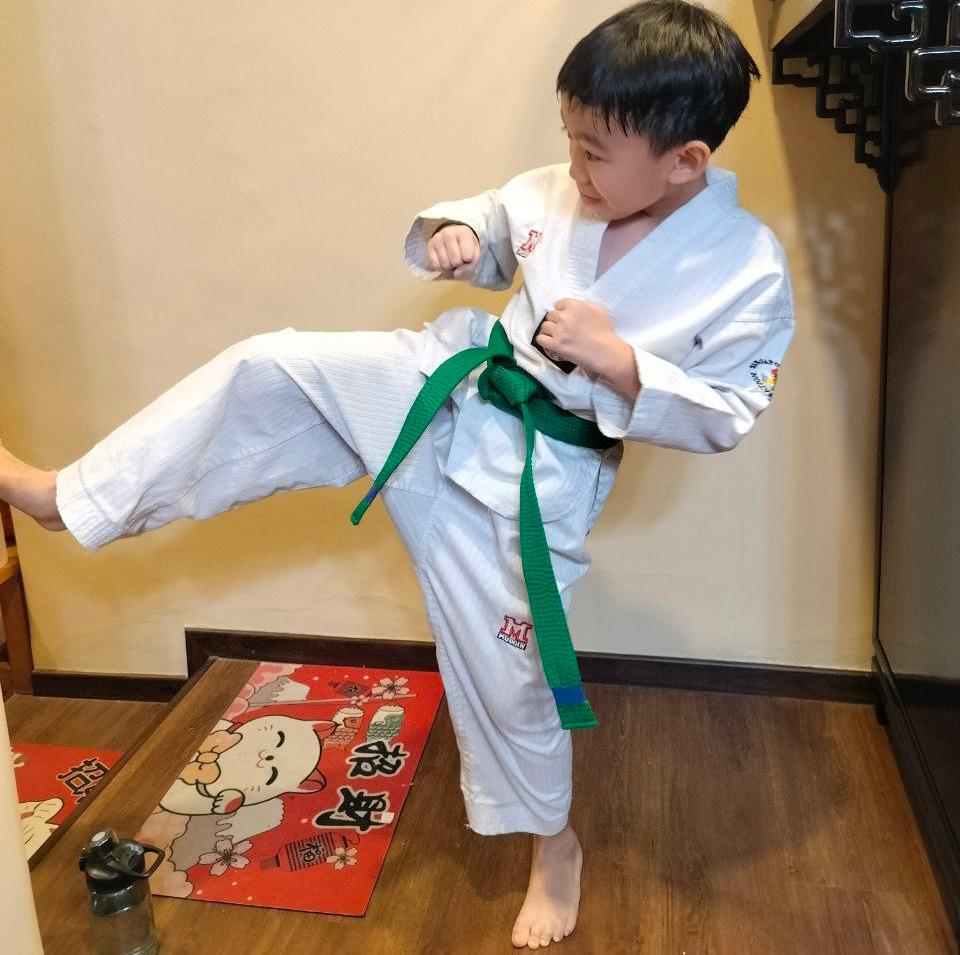
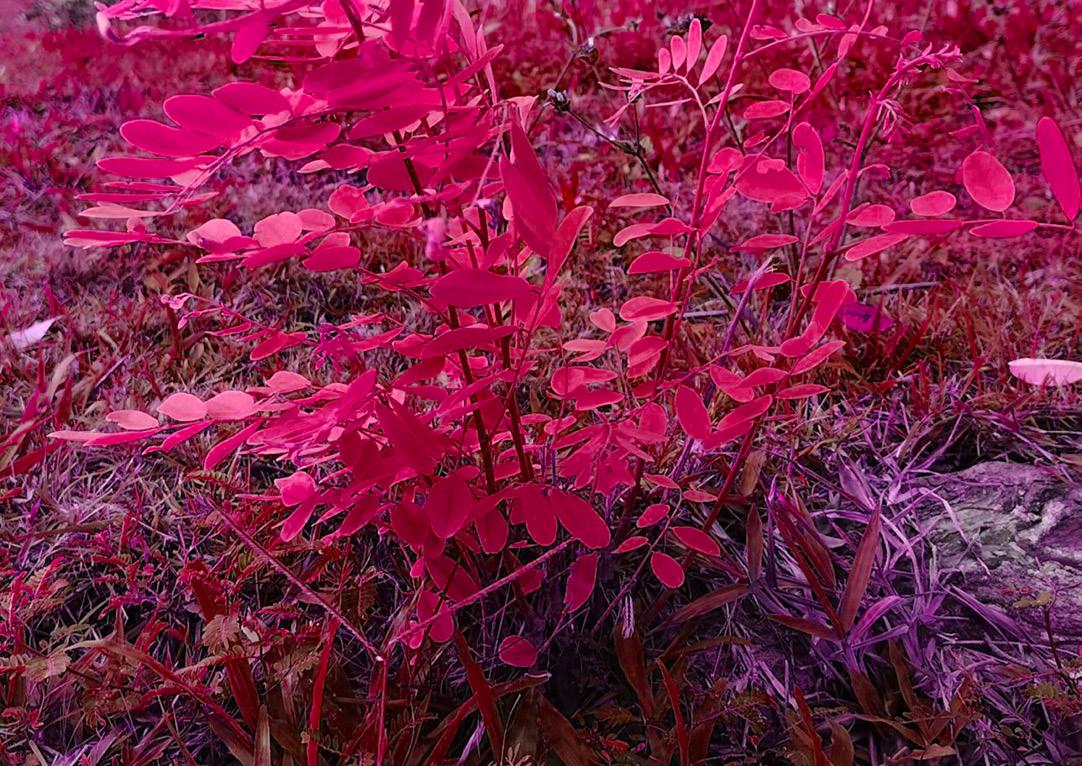
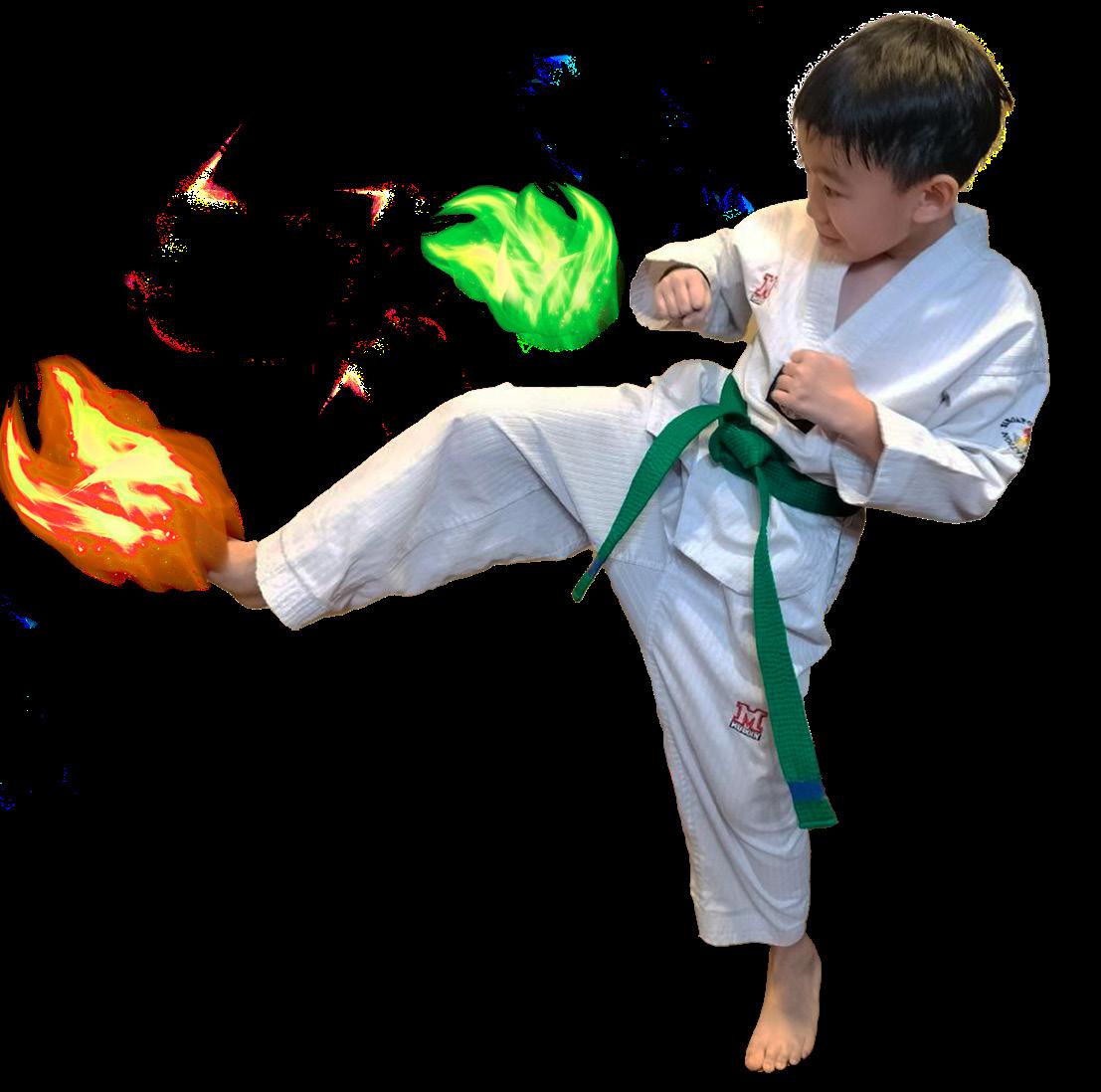
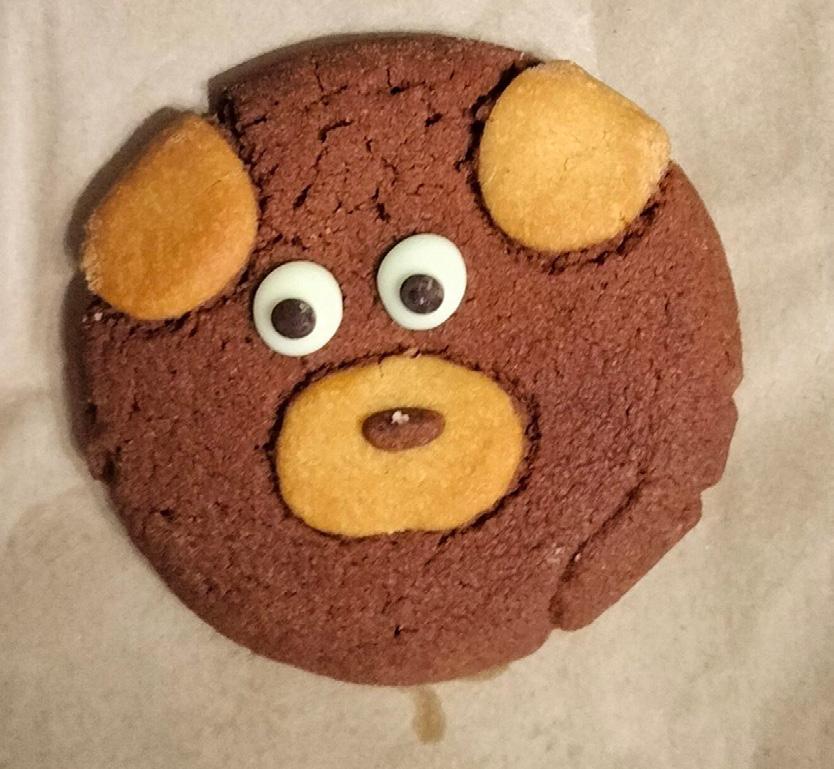
The Close-up shot I took a picture of my cookie and removed the background, I also added the oil painting effect to smoothen the surface.
The Potrait shot was edited to a monochrome picture usuing the curves, with only the yellow bag highlighted using a mask layer.
The Landscape of Nature is edited using Hue/Saturation to give it a drastic color change to pink.
For the Action shot I took a picture of a taekwondo kick and edited fire flames using the mask tool, color of the fire is edited using Hue/Saturation as well.
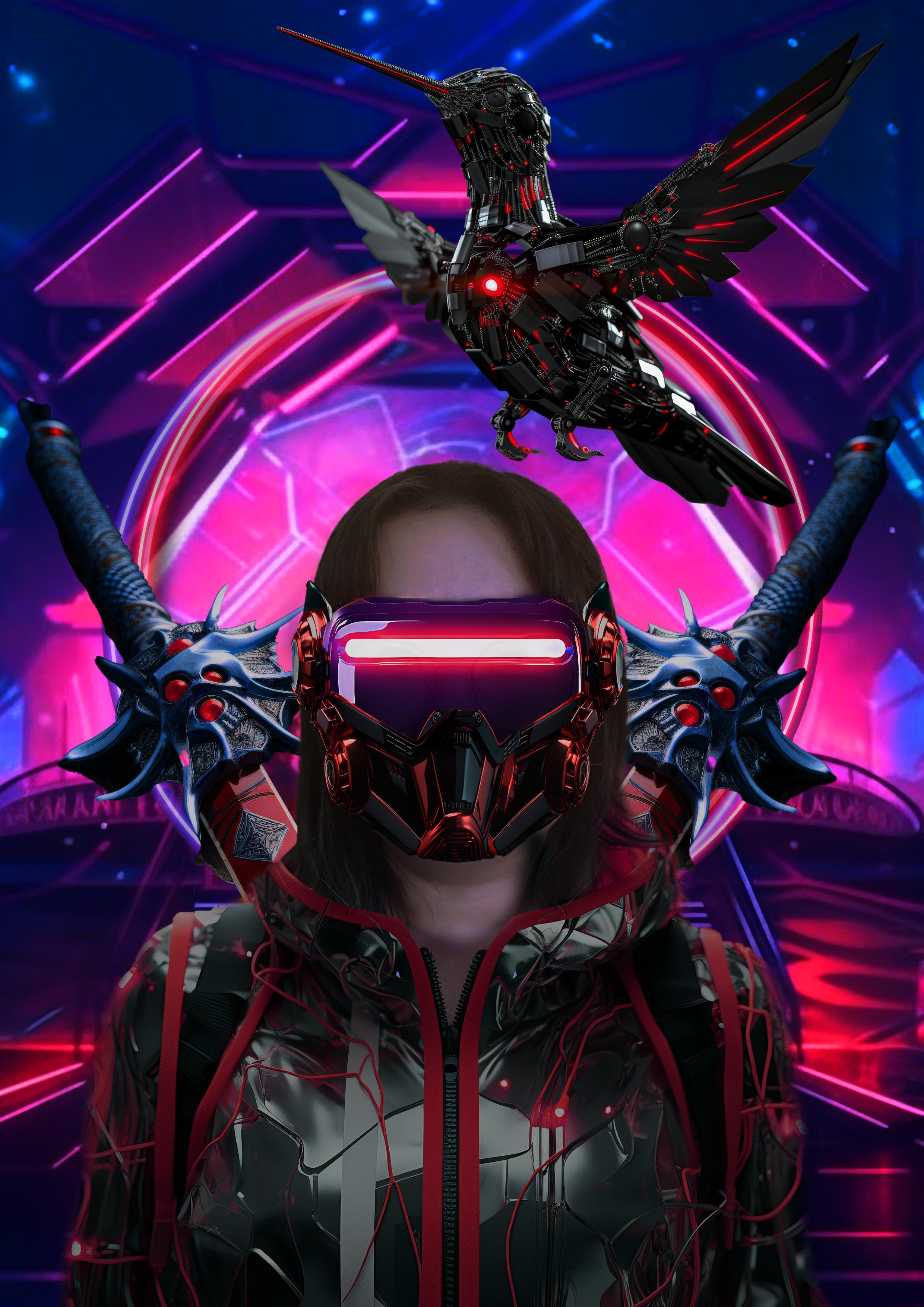
In this exercise, we were tasked with transforming ourselves into a different character. Given the game-centric theme of the magazine, I chose to morph myself into a game character.
To start, I edited my portrait by removing the background and color-correcting the image, as the original photo was slightly overexposed.
Next, using the selection tool, I masked out a cyberpunk suit and blended it into my portrait. The original suit was orange, so I adjusted the hue and saturation to change it to red.
The face mask was initially positioned sideways with full gear. I cropped and mirrored it to create symmetry and
adjusted its color to match the suit. I then masked out the VR glasses and tweaked their colors to harmonize with the overall design.
The sword on my back was originally neon green, so I used curve adjustments to align its color with the rest of the image.
For the background, I edited a robot bird to fit the game character theme. I also added and edited neon circles to frame my character, giving it a more polished and complete design.
To enhance the background, I intensified the red color. Finally, I adjusted the brightness of all elements to ensure they looked cohesive and seamlessly integrated.
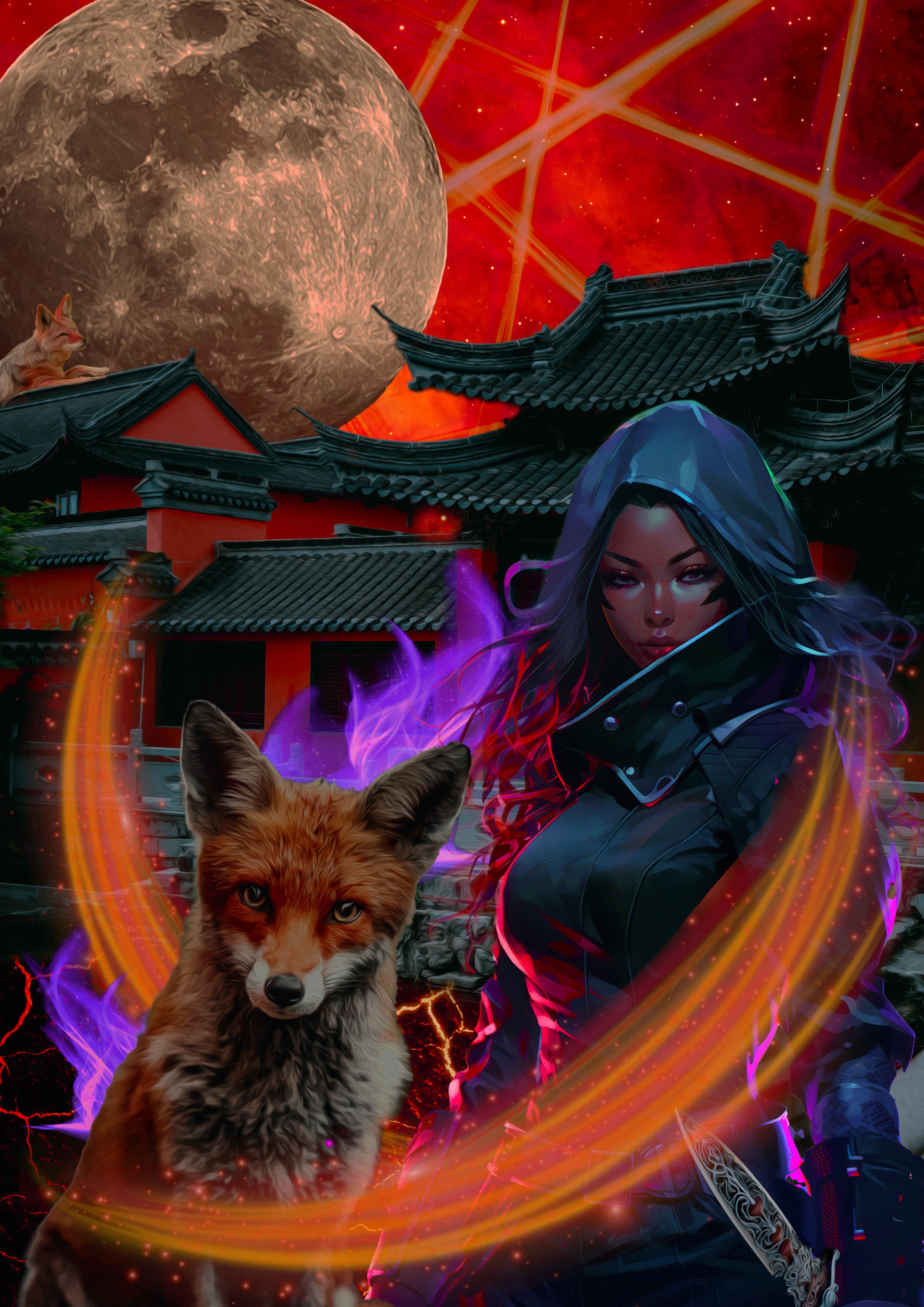
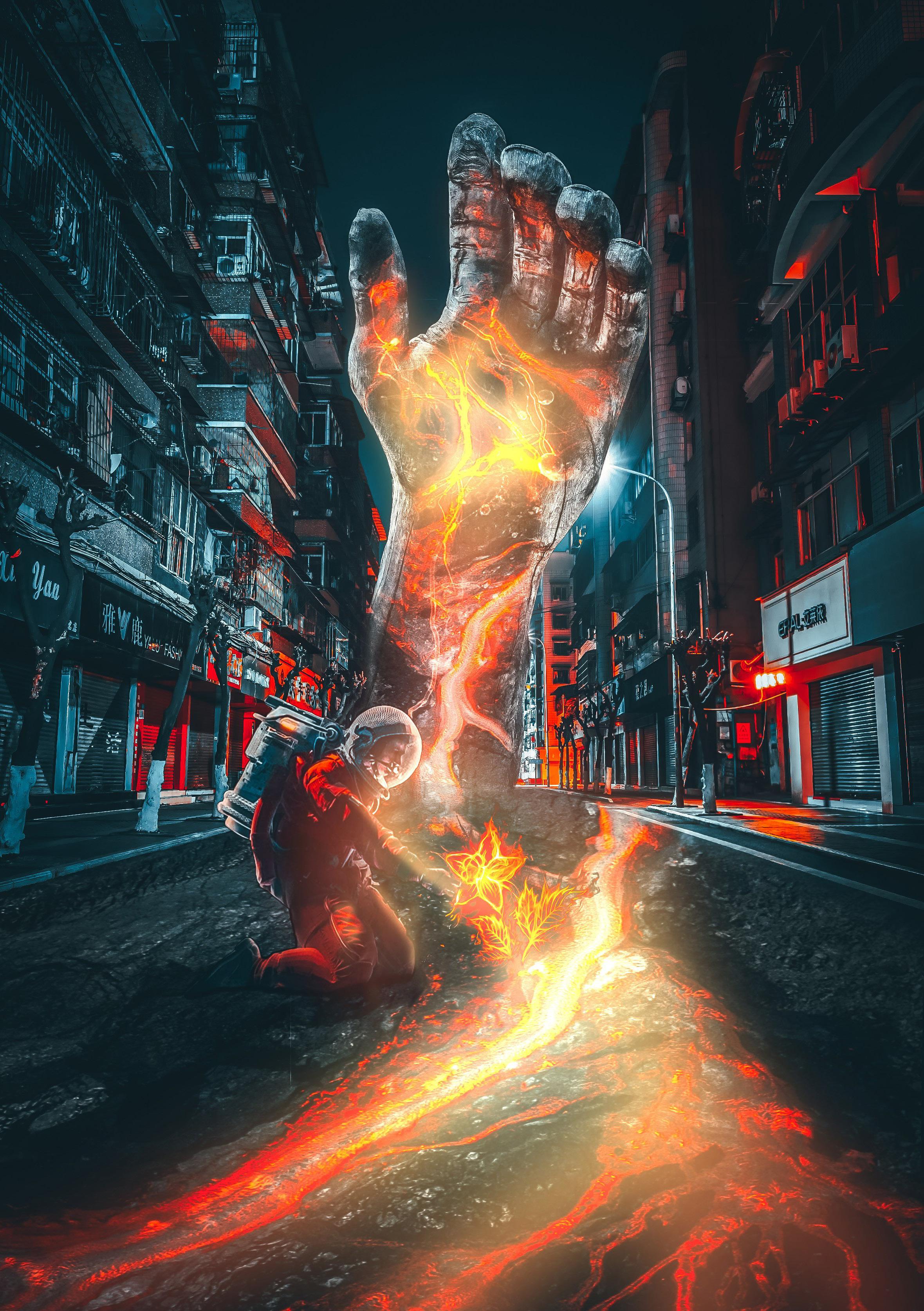
For this photobash, I started by masking out the fox and ninja. In total, I blended 11 different elements: the moon, the flash, the sky, the Chinese building, the lava floor, a fox on the roof, the main fox, a ninja, a sword dagger, fire flames, and an orange swoosh.
I edited the moon to be red and carefully masked out the fox and ninja, blending the edges with the brush tool for a seamless look. The original building image had many green leaves, which I edited out, adjusting the colors to fit the scene. I changed the flame from orange to purple using hue and saturation adjustments. Finally, I used curves to harmonize the colors of all the elements, ensuring a cohesive overall look.
“Discuss from a legal, ethical and creative viewpoint if the image belongs to you.”
Legal Perspective
From a legal standpoint, using the photobash image for personal use is generally permissible as long as I adhere to the license agreements of the royalty-free images I used. These licenses usually allow for modification and personal reproduction. Since I created a derivative work, I hold the copyright over the new creation, provided I comply with the original licenses.
Creative Perspective
Ethical Perspective
Ethically, I feel comfortable using the image for personal purposes. I made significant transformations to the original images, and I always ensure to attribute the original creators whenever possible, even for personal projects. This maintains integrity and respects the original creators’ work.
On a creative level, I’m proud of the photobash image I created. It reflects my artistic vision and technical skills, making it a unique piece of art. Using it for personal projects, such as social media profiles or personal portfolios, allows me to showcase my abilities and creativity.
Overall, I would be happy to use the photobash image for personal use, confident that it aligns with legal, ethical, and creative standards.
References: https://www.pexels.com/photo/photo-of-fox-sitting-on-ground-2295744/ https://pixabay.com/illustrations/lava-cracked-background-fire-656827/