Create digital newsletters with interactive features
Utilize the power of a dynamic newsletter to boost engagement and keep readers up-to-date about your latest news and updates. With our newsletter maker you can easily customize it with on-brand colors, images, and logos and share it in just a few clicks.

What is a Newsletter?
A newsletter is a tool used to communicate news about recent and ongoing activities of your business. It’s a place for recaps, content, updates, special offers, and more. A newsletter is a way to nurture your customers and build a community around your brand. One key advantage of a newsletter over other marketing content is that it puts your content right in your audience’s inboxes. Newsletter subscribers are often your most loyal customers since they’ve asked to hear from you directly through the same channel they use for personal messages. Creating a newsletter is easy with a newsletter maker. You can focus on delivering a dynamic reading experience and hitting your content goals without having to worry about the ins and outs of formatting.

How to make an online newsletter:
Our newsletter generator will help you turn your static content into a page-turner.
Upload your newsletter as a PDF (Or you can upload .doc, .docx, or .ppt file types or import your files directly from Dropbox or Google Drive). All you need to start with is a document.
Keep the classic newsletter feel with our flipbook feature. Our free newsletter creator will provide you with a digital newsletter in an engaging flipbook format. With the flipbook feature, your subscribers can flip through the newsletter virtually.
Enhance the newsletter experience with videos and interactive links. Dynamic content levels-up the reading experience in a big way, making the text interactive and connected.
Embed to reach a wider audience. By embedding your newsletter on your website, you make it available to everyone who visits. Not just subscribers. This can be a way to encourage signups by showcasing what your newsletter is all about. With the embed feature, it’s easy. Just copy the code and go.
GIFs
Animate your contentYou can use the GIF tool to create a GIF preview of your newsletter flipbook to show readers what’s inside and showcase the flipbook functionality. A GIF is an instant attention-grabber and a fun way to give a peek inside your newsletter to someone who hasn’t opened it yet.

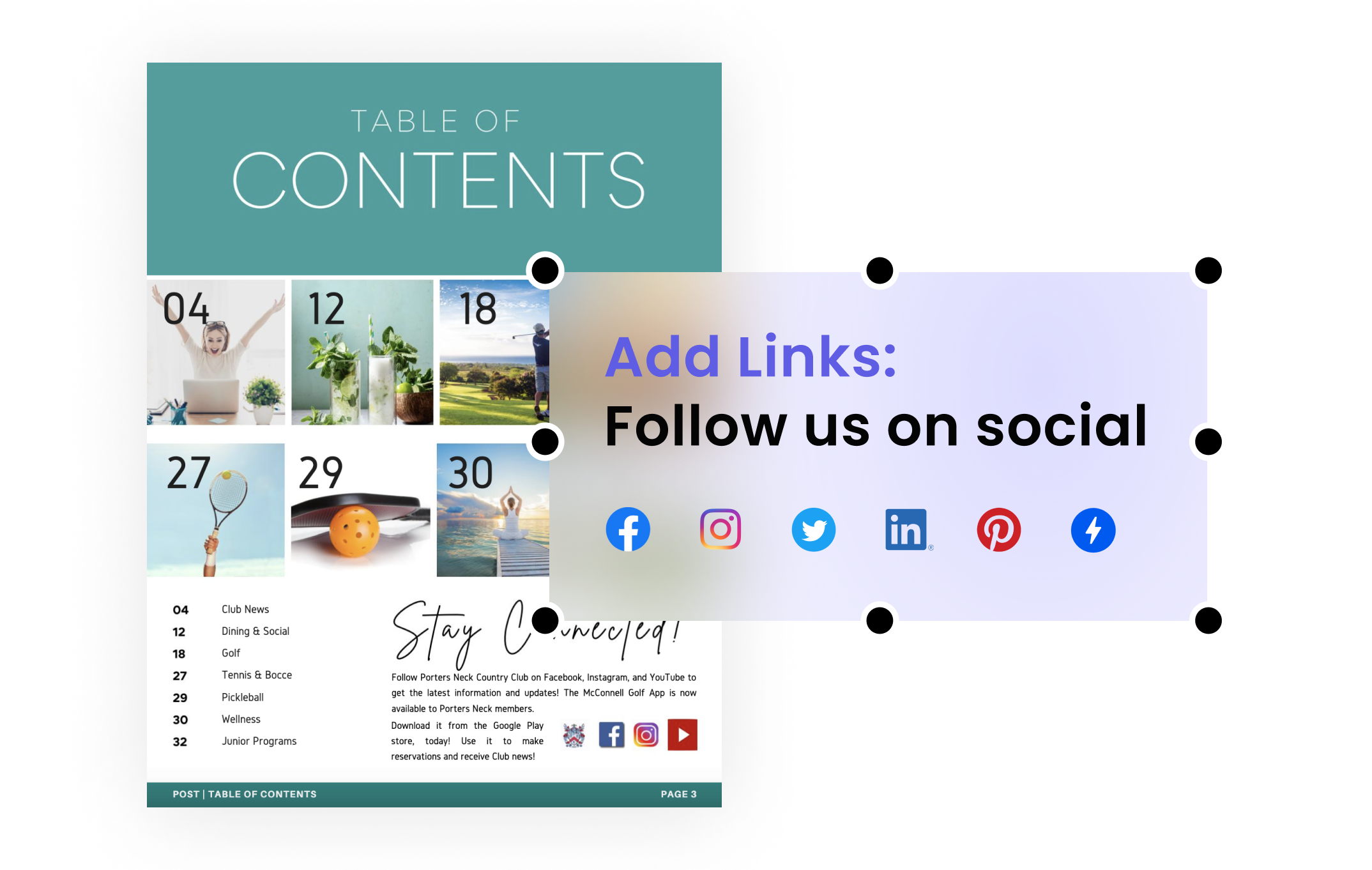
Add Links
Engage your audienceLinks are a key ingredient to any great newsletter. You can use links to direct readers to your content; highlight your latest blog posts, company updates, news bulletins, or other useful content. You can even sell your products directly in your newsletter with shoppable links.
Video
Enhance your brand voiceVideo is the ultimate visual engagement tool. And with a little creativity, the possibilities are endless. Try how-tos, unboxing videos, and include order follow-up explainers to help customers get the most out of their purchases and reduce return rates.

Explore other solutions
More from Corporate


